
Compress JPG, PNG, and WebP images to 20KB online for free. Adjust image quality and resolution automatically while keeping files as small as possible.
Drag and drop images here, or Browse Files
Process up to 1,000 JPG, PNG, or WebP images at once (total size ≤ 5GB, max 100MB per image).
Balanced: Automatically adjusts image quality and resolution to reach the target file size.
Preserve Resolution: Prioritizes image dimensions while reducing image quality to reach the target size.
Preserve Quality: Maintains the selected quality and reduces image dimensions to reach the target size.
Compressing...
| # | Filename / Format | File Size (Before → After) | Resolution (Before → After) | Action / Status |
|---|
How Image Quality Changes at Different File Sizes
The visual impact of compression depends on the type of image. Compare the same images at 10KB, 20KB, and 30KB to see how file size affects detail, sharpness, and readability.
Landscape Photos
Landscape photos contain lots of fine details, textures, and color variations. Lowering the file size too much can make trees, clouds, and other small details look noticeably softer.
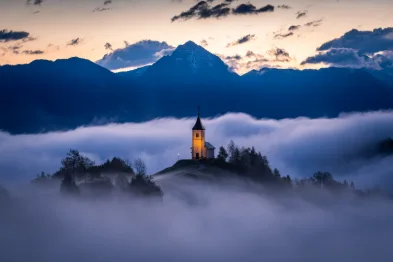 9.8 KB
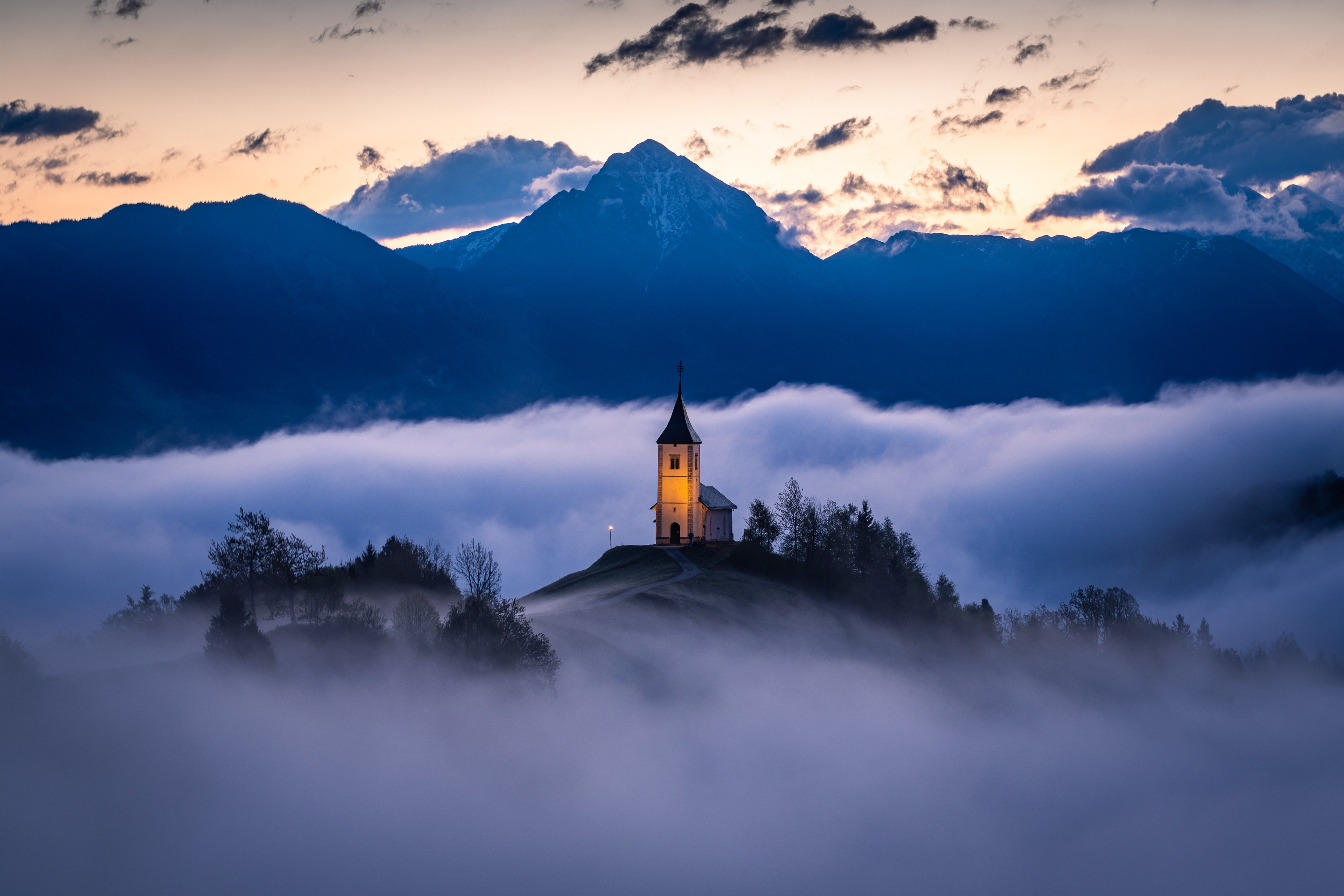 1.70 MB


Forest Animal Photos
Images of animals in natural environments contain plenty of fine details in both the subject and background. Smaller file sizes can reduce detail in fur, leaves, and other textures.
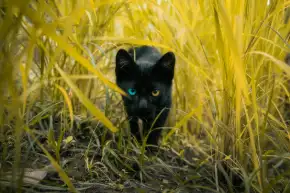 9.9 KB
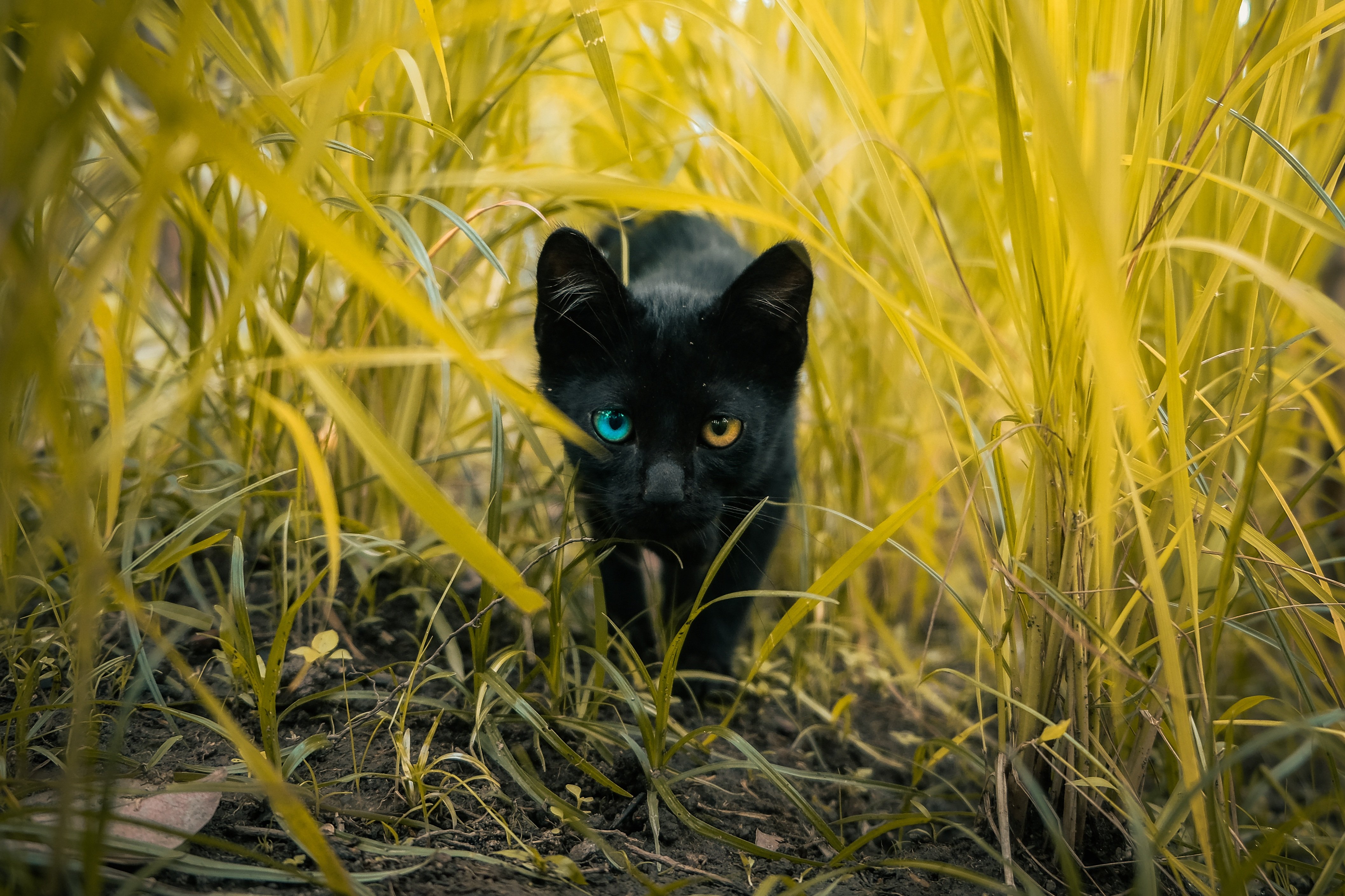 1.68 MB


Text-Heavy Meme Images
Images with text can be more sensitive to compression. At very small file sizes, letters, thin lines, and sharp edges may become blurry or harder to read.
 3.8 KB
 3.95 MB


Illustrations and Graphics
Simple illustrations and graphics can often reach smaller file sizes without as much visible quality loss. Flat colors and clean shapes are generally easier to compress than detailed photographs.
 9.9 KB
 92.6 KB


FAQ
Can I compress an image to exactly 20KB?
Our compressor targets the selected file size, but the final file size may vary slightly depending on the image and output format.
Why does the same image look different at 10KB and 20KB?
Smaller file sizes require more aggressive compression and may also require reducing image dimensions.
Is 20KB enough for a website image?
It depends on the image and its intended use. Simple graphics can look good at 20KB, while detailed photos may need a larger file size.
Should I use 10KB, 20KB, or 30KB?
Start with 20KB. If the result loses too much detail, try 30KB. Use 10KB when keeping the file extremely small is the priority.
© 2026 To10kb
Theme by Anders Norén — Up ↑